
INPUT
Only what the story needs.
- Trigger
- Account created
- Useful context
- Journey stage, relevant interest, supported language
- Optional detail
- Recipient name, with a neutral default
- Control
- Eligibility and consent checked by your integration
WORKFLOW / CUSTOMER ONBOARDING
Use an account-created event to start an onboarding video workflow. Prepare the story in Engage and bring the result back to your existing welcome journey.
Read the implementation walkthroughTHE CREATIVE EXAMPLE
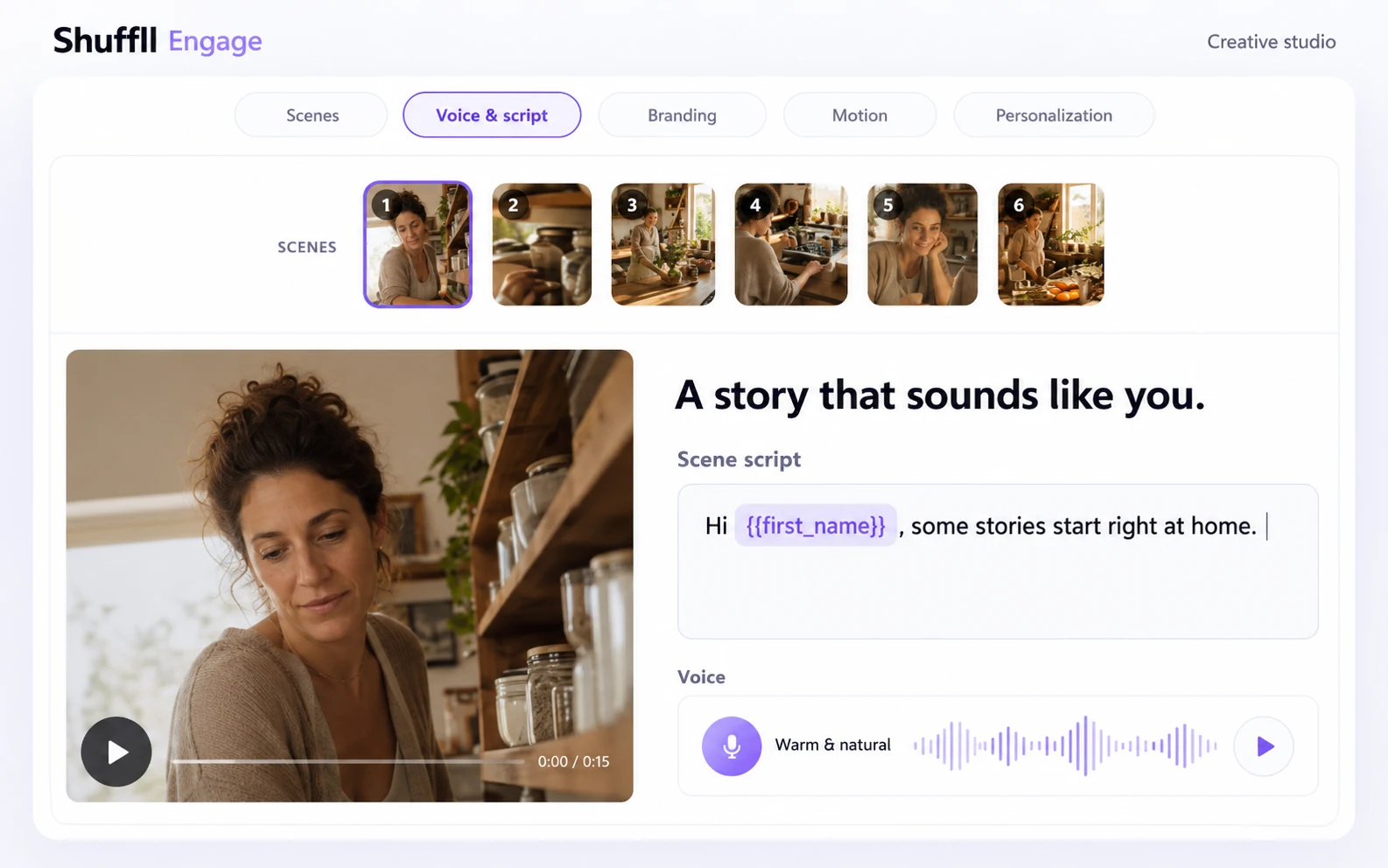
For a new small-business customer, open with a relevant human moment, explain one useful action and make the next step clear.
Prepared AI-generated financial-services creative. Illustrative workflow, not a recording of an automatically completed campaign.
Prepared financial-services onboarding creative with a small-business owner.
Your customer system
A trusted event starts the workflow. Your integration checks eligibility and prevents duplicate requests before continuing.
Use an event from your CRM, commerce system or application.
Interactive walkthroughExample integration recipe. Connect supported API or MCP operations through your application or automation.
INPUT
OUTPUT & HANDOFF
BRING YOUR CUSTOMER MOMENT